Posts | Comments

Planet Arduino

Archive for the ‘halloween’ Category


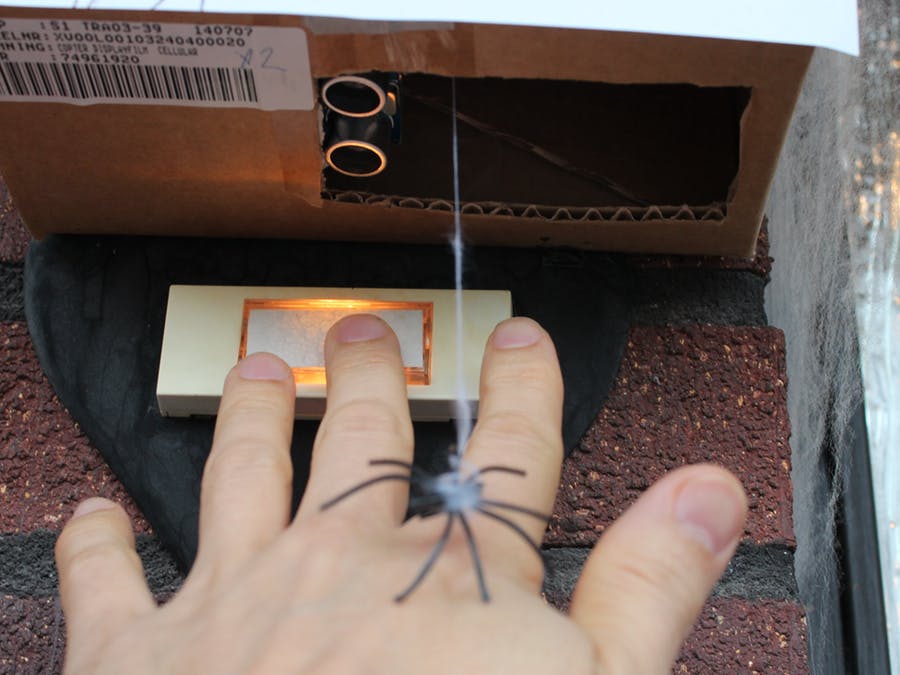
My Halloween project consisted of a dropping spider triggered by a PIR motion sensor mounted on a Jackolantern. The motion sensor triggered a dropping spider, lights, sounds, low laying fog and finally a tweet with a picture attached (http://twitter.com/ioalerts).

These are the parts that I used for this project:
  • ioBridge IO-204
  • x10 Firecracker CM17A
    • x10 Transeiver, Appliance and lamp modules
  • VHS tape
  • Plastic Jackolantern
    • 2 1K resistors
  • Checklane Yada Yada Yada (thanks Erick for the tip http://www.instructables.com/id/Arduino-controlled-Silly-String-shooter/)
    • 1 2N2222 tranisistor
    • 1 10k resistor
  • Fog Machine
  • Wireless webcam
  • Lights and accesories
    • Incandescent black light, strobe light, black light bulbs.


    Setup
    It's all pretty basic. The arduino controlled the PIR motion sensor, the servos for dropping spider reel, Jackolantern LED lights, toy with scary sound, and the X10 CM17A. Then the arduino sent a serial message to the ioBridge serial API telling to GET the URL of my site. Then on my site I had a bash script with a while loop looking for request coming from the ioBridge server, then the script played a sound, grab the picture from a wireless webcam and post it to twitter via twitpic's API using cURL.


    Arduino Sketch
    Here is the arduino sketch. I used the X10Firecracker and the Servo libraries as well as the PIR sensor example from the arduino playground.


    Spider Reel
    I end up using an VHS tape as a reel. I had to modify one servo to have continuous rotation. I used this guide to do so. The second servo just did the lift part.


    ioBridge Monitor
    To establish the arduino-ioBridge serial communication I was planning to use an RF solution, but due to time constraints I had to use a long speaker cable to connect the arduino TX to ioBridge's Serial Board RX with one wire and the second for GND.


    This is the bash script I used to trigger a sound as well as send a twitpic.

    I used my mac os x Apache 2 server. I had to give write permisions to the access_log so I could append a bogus line as a "break".


    #!/bin/bash 
    booCounter=$1
    while true;do
    status=`tail -n 1 /private/var/log/apache2/access_log | cut -f 1 -d "-"`
    if [ "$status" = "00.00.000.000 " ]
    then
    echo "Boo" >> /private/var/log/apache2/access_log
    afplay /full/path/Halloween/werewolf.mp3
    msg="Boo, victim $booCounter just got really scared"
    sleep 5
    curl -O http://www.mywebcam.com/IMAGE.JPG
    curl -F media=@/full/path/Halloween/IMAGE.JPG -F "username=username" -F "password=password" -F "message=$msg" http://twitpic.com/api/uploadAndPost
    let booCounter=booCounter+1
    fi
    done


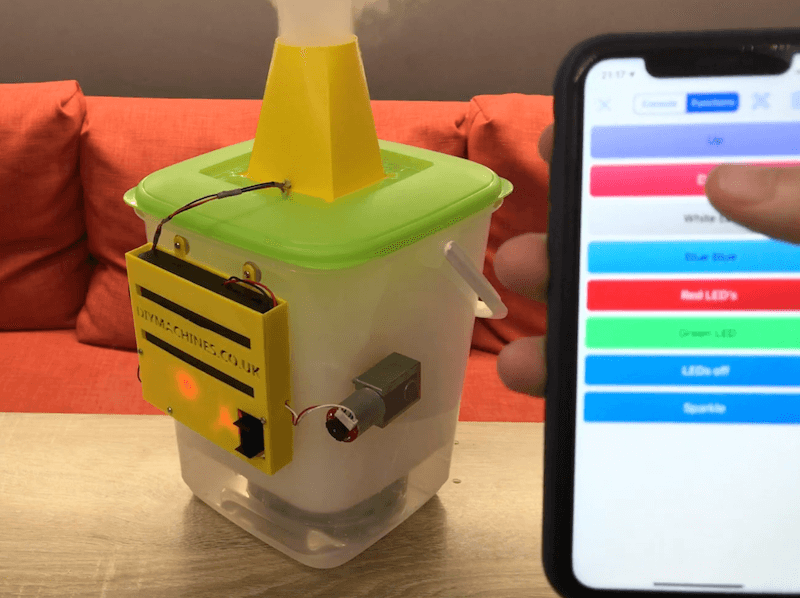
    Fog Machine 
    I got this fog machine that comes with manual fog release switch.
     I just soldered the 125VAC/10A DPDT Plug-In Relay to the switch and connected to an X10 appliance module.


    Fog Chiller
    I made this low laying fog cooler following this instructable.


    Commnents/Notes
    I originally used a PING sensor but got better results using the PIR sensor instead. I had to decrease the sensing radius by creating a cone (pumpkin nose) around the sensor.
    The twitpic implementation could have been better. Camera placement and lighting were poor :(


    • About

      Planet Arduino is, or at the moment is wishing to become, an aggregation of public weblogs from around the world written by people who develop, play, think on Arduino platform and his son. The opinions expressed in those weblogs and hence this aggregation are those of the original authors. Entries on this page are owned by their authors. We do not edit, endorse or vouch for the contents of individual posts. For more information about Arduino please visit www.arduino.cc

    • You are currently browsing the archives for the halloween category.

    • Follow us

      Follow us on Identi.ca Follow us on Twitter
      Bookmark and Share
    • People

    PlanetArduino is powered by WordPress. Design by Jasone.it. Valid XHTML   •   Valid CSS
    30 queries. 2,766 seconds.